Reelson Casino Mobile App
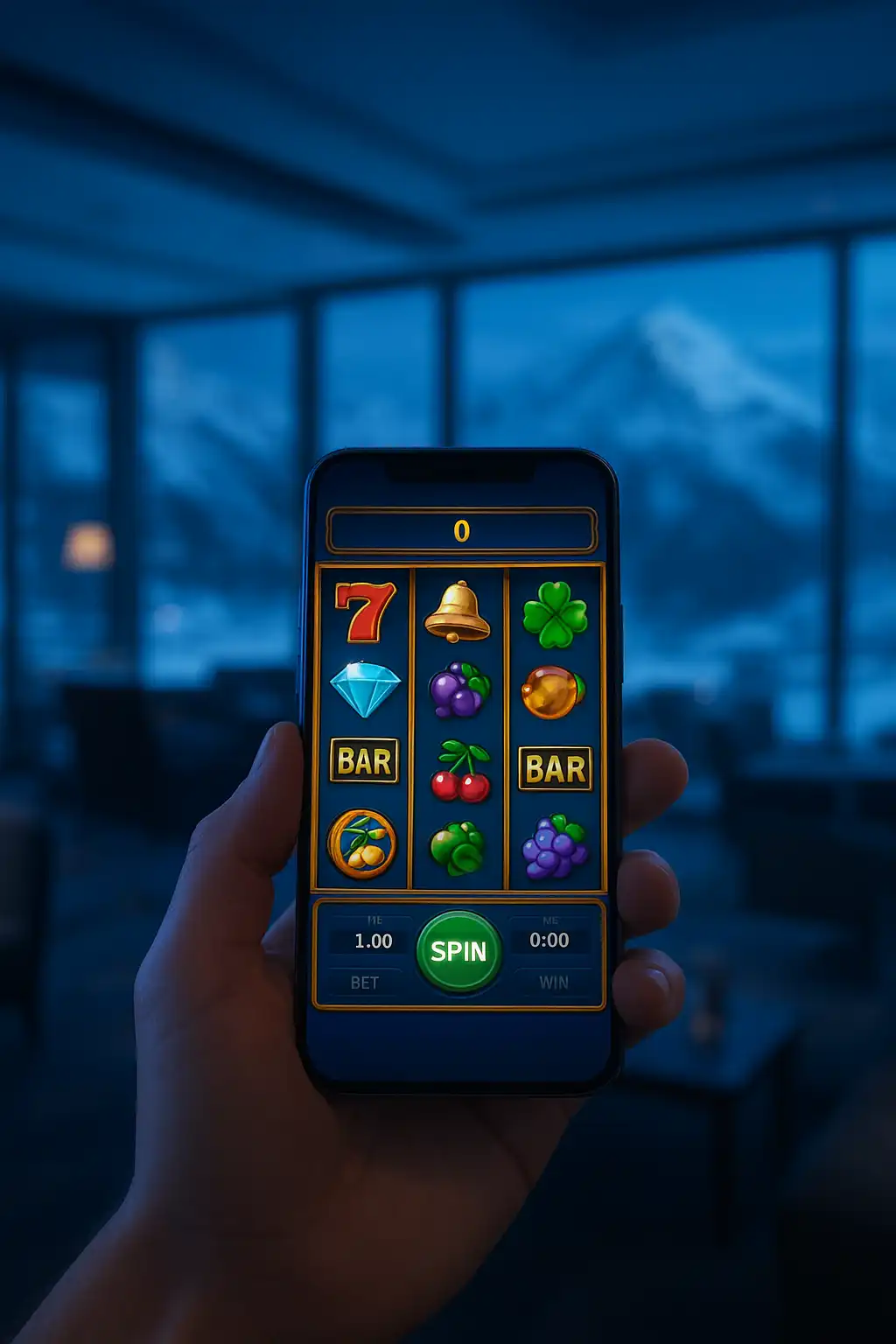
Reelson skips the traditional app store route in favour of a progressive web app, or PWA, that installs directly from a mobile browser in a few taps. This approach means there is no waiting on app store review, no separate download size to worry about, and no risk of the app disappearing from a store listing due to a policy change on Apple’s or Google’s end, a real concern for gambling apps in particular.
How to Install the App
Installing takes under a minute on either major mobile operating system.
On Android (Chrome):
- Open reelson-casino.ca in Chrome.
- Tap the three-dot menu in the top right corner.
- Select “Add to Home screen” or “Install app.”
- Confirm the prompt, and the icon appears on the home screen like any other app.
On iOS (Safari):
- Open reelson-casino.ca in Safari.
- Tap the Share icon at the bottom of the screen.
- Scroll down and select “Add to Home Screen.”
- Tap “Add” in the top right corner to finish.
Once installed, the app opens in its own window without the browser’s address bar, giving it a native-feeling full screen experience. No account data is lost switching between the app icon and the regular mobile browser, since both point to the same session.
What the App Offers
The mobile app carries the full slots and table game library, not a stripped-down subset like some competitors offer through their native apps. Deposits, withdrawals, and bonus claims all work identically to the desktop cashier, just laid out for a smaller touch screen. Push notifications can be enabled for promotions and pending withdrawal updates, opt-in and fully controllable from the account settings menu. Biometric login, where the device supports it, speeds up returning to the app without retyping a password every session.
Performance and Data Usage
Because the app is browser-based rather than a heavy native download, it loads quickly even on a weaker mobile connection, and slot animations remain smooth on mid-range phones from the last several years. Data usage stays modest compared to some native casino apps that bundle large asset packs; the PWA loads game assets on demand rather than shipping the entire library upfront. This also means storage on the device stays minimal, a plus for anyone running low on phone storage.
Mobile Table Games and Live Dealer
Live dealer tables run through the same Evolution-powered stream on mobile as on desktop, adapted to a vertical layout with betting controls repositioned along the bottom of the screen for thumb reach. Blackjack, roulette, and baccarat variants all support portrait orientation, so there is no need to rotate the phone sideways mid-session unless preferred. Table minimums and maximums match the desktop site exactly, so switching devices mid-session changes nothing about the stakes available.
Mobile Banking
Interac and Interac e-Transfer both work seamlessly through the mobile browser, since both banking rails were already designed around mobile banking apps in the first place. A deposit initiated on the phone typically completes within the same instant window as a desktop deposit, and withdrawal requests submitted from mobile process on the same schedule as any other channel. The cashier interface on mobile keeps the same fields and options as desktop, just stacked vertically rather than side by side.
Troubleshooting Common Issues
A small number of installation issues come up occasionally, and most have a quick fix:
| Issue | Likely Fix |
|---|---|
| “Add to Home Screen” option missing | Update the browser to the latest version |
| App icon not loading correctly | Clear browser cache and reinstall |
| Login not persisting between sessions | Enable cookies and allow site data in browser settings |
| Slow load times on older devices | Close other background apps to free memory |
Players who run into a problem not covered here can reach live chat support directly from within the app for a faster resolution than searching help articles.
Battery and Background Behaviour
The app does not run background processes when closed, so it has no meaningful impact on battery life outside of active play sessions, unlike some native apps that maintain persistent background connections. Closing the app fully ends the session on the device, though the account itself stays logged in server-side per the usual session timeout rules, matching desktop behaviour.
Mobile Responsible Gambling Tools
Every responsible gambling feature available on desktop carries over to the mobile app without exception. Deposit limits, loss limits, and session-length reminders can all be set from the account settings menu on a phone just as easily as on a laptop, and changes made on one device sync instantly to the other since both draw from the same account record. A player who sets a weekly deposit limit on the desktop site while at home will find that same limit already active the next time they open the app on the bus. Self-exclusion requests submitted through the mobile app process on the identical timeline as a request made through desktop support, typically actioned the same day.
Comparing PWA vs Native App Experience
Some players default to assuming a native app is automatically the better option, but the practical difference has narrowed considerably in recent years.
| Factor | Reelson PWA | Typical Native App |
|---|---|---|
| Install source | Direct from browser | App store only |
| Update speed | Instant, no re-download | Waits on store approval |
| Storage footprint | Minimal, loads on demand | Larger upfront download |
| Removal risk | None, not store-dependent | Subject to store policy changes |
| Offline access | Not applicable, real-money games need connection | Same limitation applies |
The table above reflects why Reelson chose the PWA route rather than investing in a native build that carries the same fundamental limitations around real-money gambling content while adding extra risk of sudden delisting.
Why Skip a Native App
Native casino apps distributed through the Apple App Store or Google Play Store face frequent policy shifts around real-money gambling content, occasionally resulting in sudden removals that leave players without access until a new version clears review. A progressive web app sidesteps that entirely since it is not distributed through either store, giving Reelson direct control over updates and uptime. For players, this translates to a mobile experience that stays consistent and does not vanish overnight due to a platform policy change outside anyone’s control.